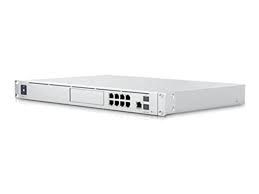
I am embarking on a full network Rip-N-Replace of my old Unif USG and the hodge-podge of switches that have been in place for 8 years. One USG power supply failed, and then the USG itself. A more common occurrence in the community than I expected. After all, the electronics are 8 years old and have proven it could to the job. In the Corporate I/T space, hardware refresh cycles are 3+ years, but not more than 5 due to the same kind of issues.
In the previous post, “SOHO Routers: Unifi USG End of Life – PFSense is a common sense replacement.“, I lamented about the reliance and requirement of Cloud Technologies to gain access to and manage On-Prem hardware still applies with the Unifi UDM SE. Investigating more in depth, the initial connection and setup of the UDM requires an account logon. Thereafter, if one chooses to keep the equipment more personal, that is an option as well. The same existed with the USG Cloud Key. I understand the reasoning to some extent, but you can’t fight the Borg, “Resistance is Futile”. Cloud is here to stay and if one needs new hardware, then we must wade through the process.
Talking with a Network Engineer friend that goes by the name Cloudify in the Unfi Forums, he showed me, through his first hand experience, that the UDM SE offers a compelling feature set over the old systems. When coupled with firewall technology such as pfSense, then the best of two words combine to provide ease of management, and decent reporting, granular control of the external firewall knobs and switches, and most importantly, creating a secure high performance network that is enterprise SLA capable.
